Handwriting worksheets with your words
Your child’s name. This week’s spelling list. A named packet for every student in your class. Type it in and print — free, in seconds.
Free · No sign-up · Black & white · Names stay on your device
Halloween · free printables
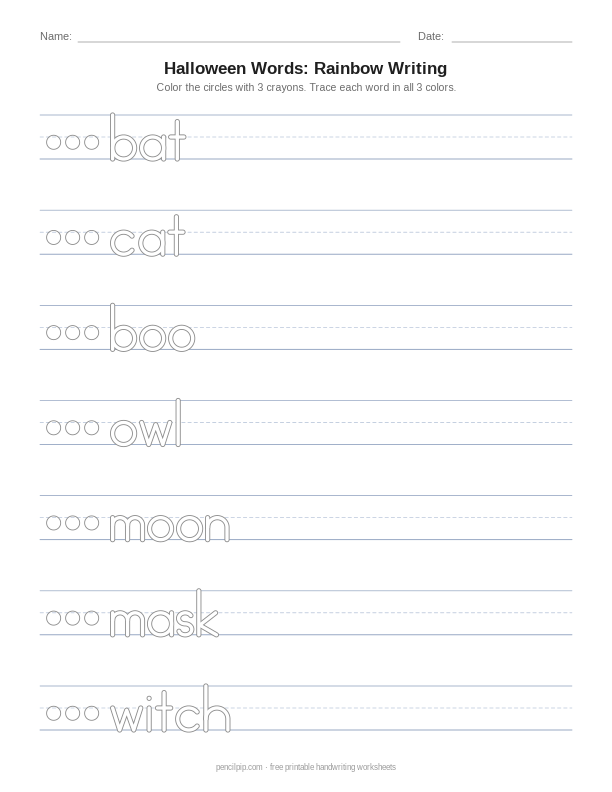
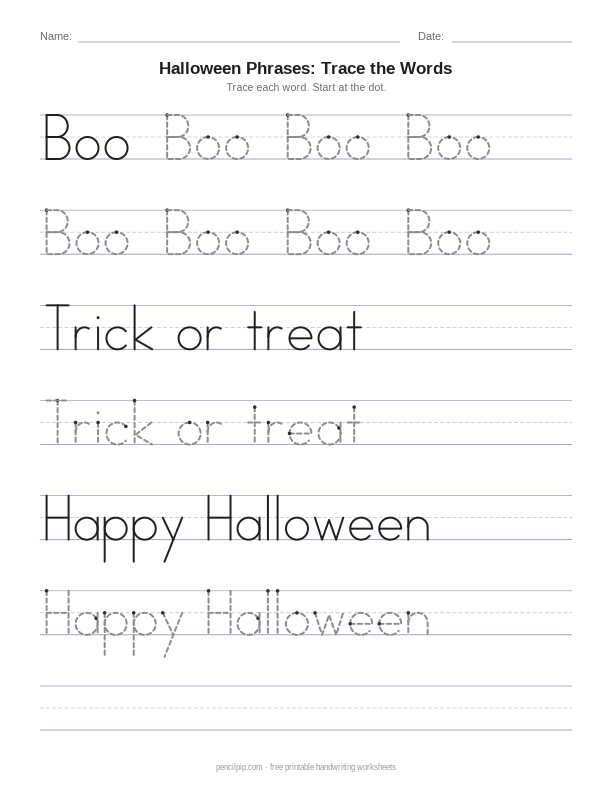
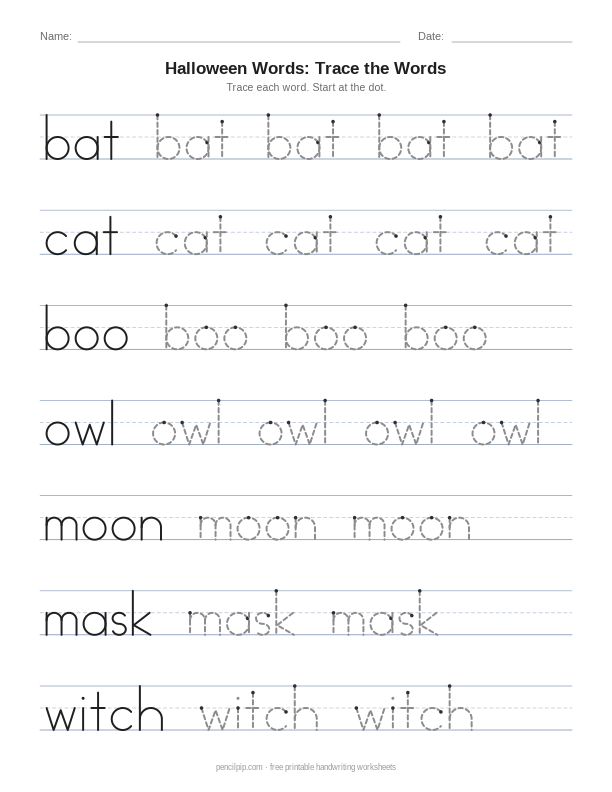
Halloween handwriting
Trace words like spider, costume and pumpkin, write “Happy Halloween” and print a complete packet — or one for every child in your class.
Thanksgiving · free printables
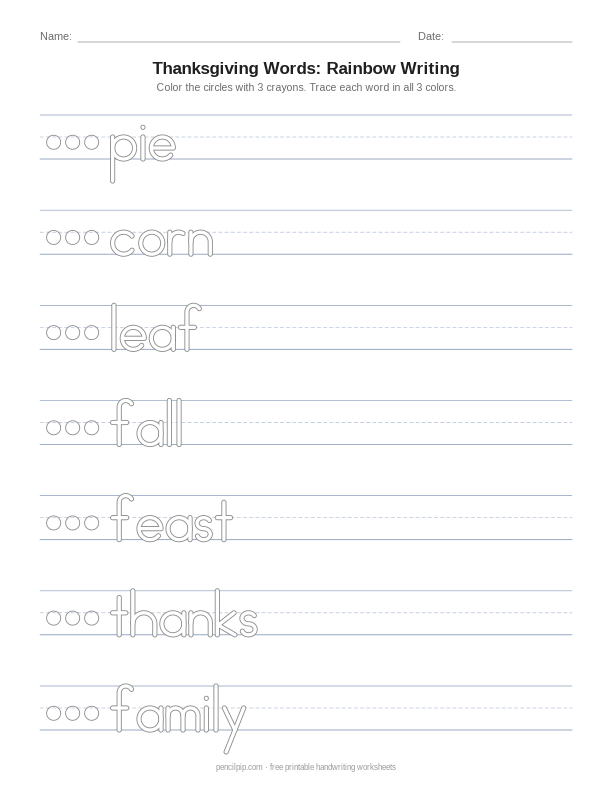
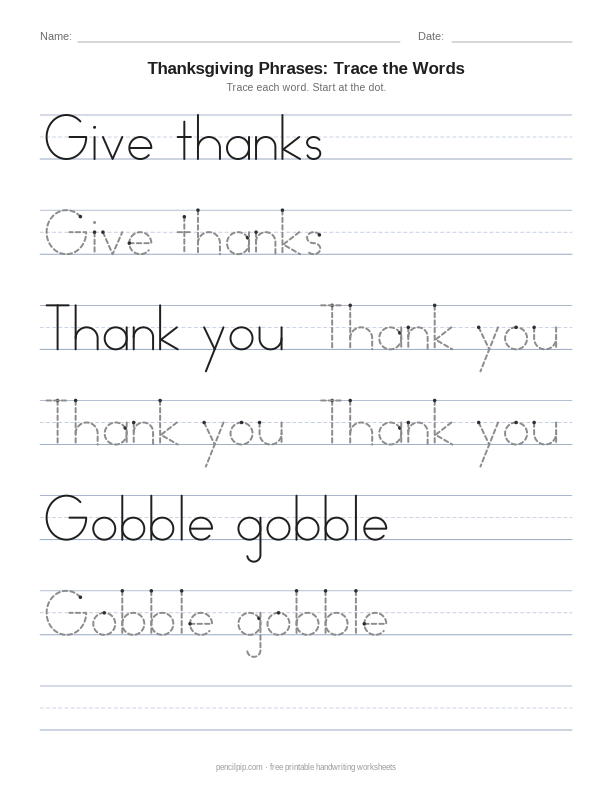
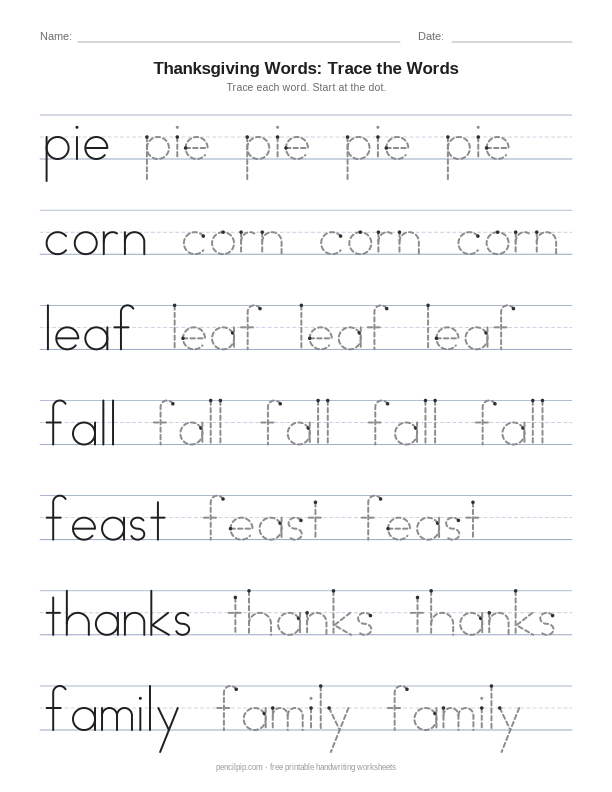
Thanksgiving handwriting
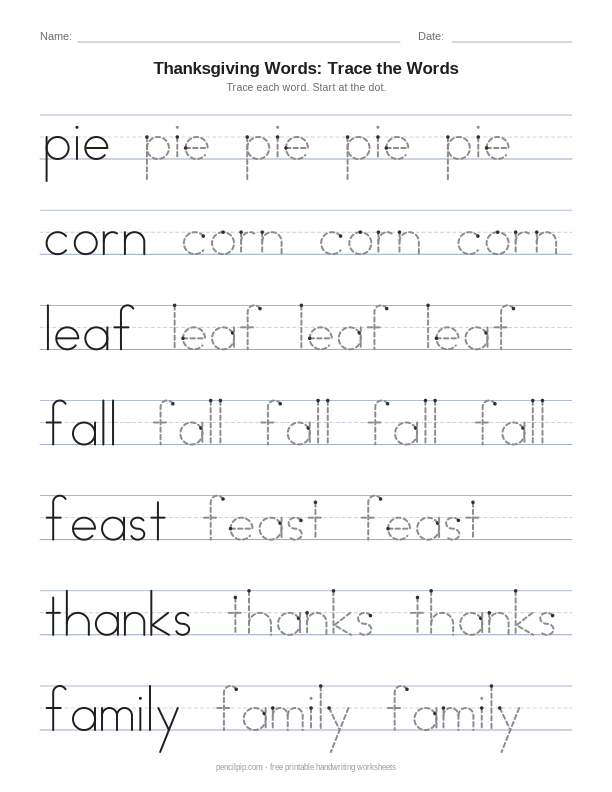
Trace words like apple, harvest and grateful, write “Gobble gobble” and print a complete packet — or one for every child in your class.
Christmas · free printables
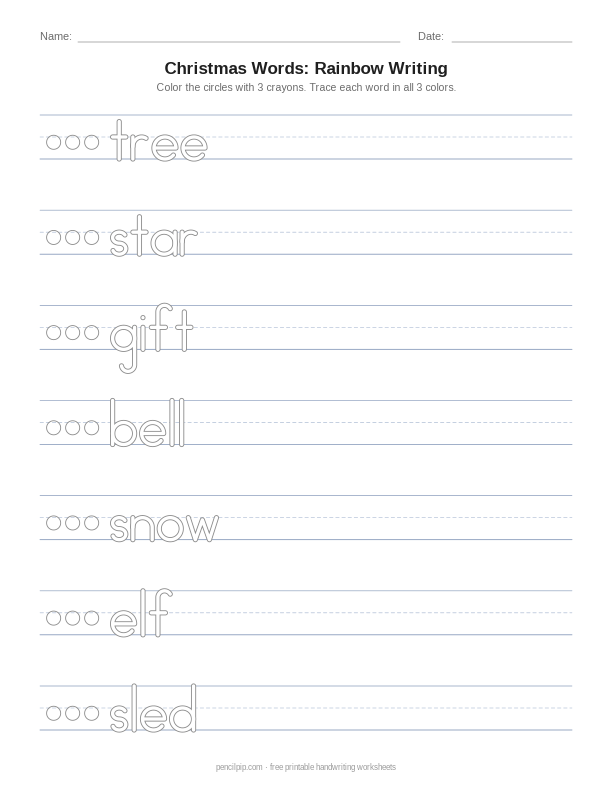
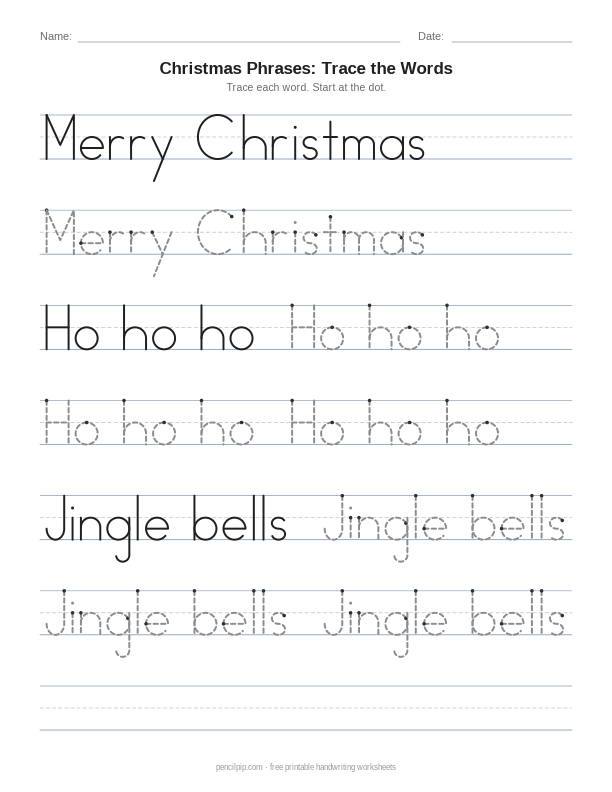
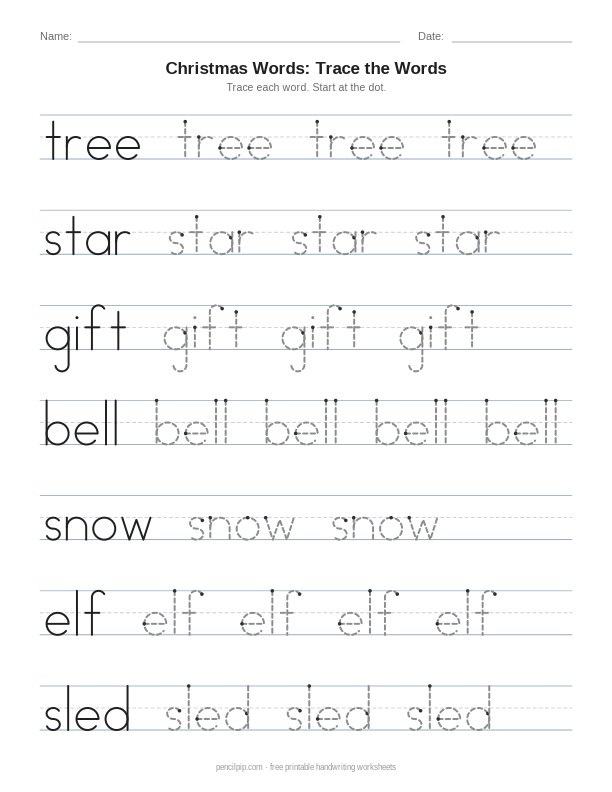
Christmas & winter handwriting
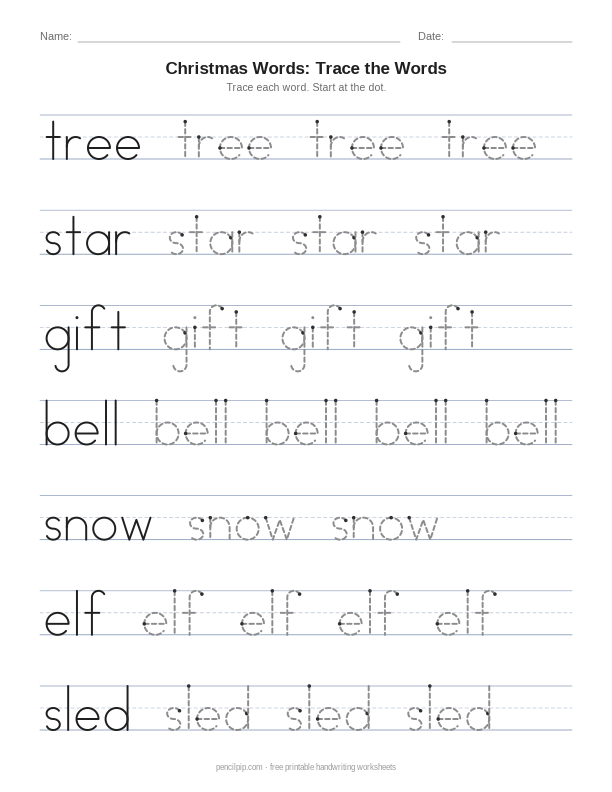
Trace words like Santa, reindeer and stocking, write “Merry Christmas” and print a complete packet — or one for every child in your class.
Winter · free printables
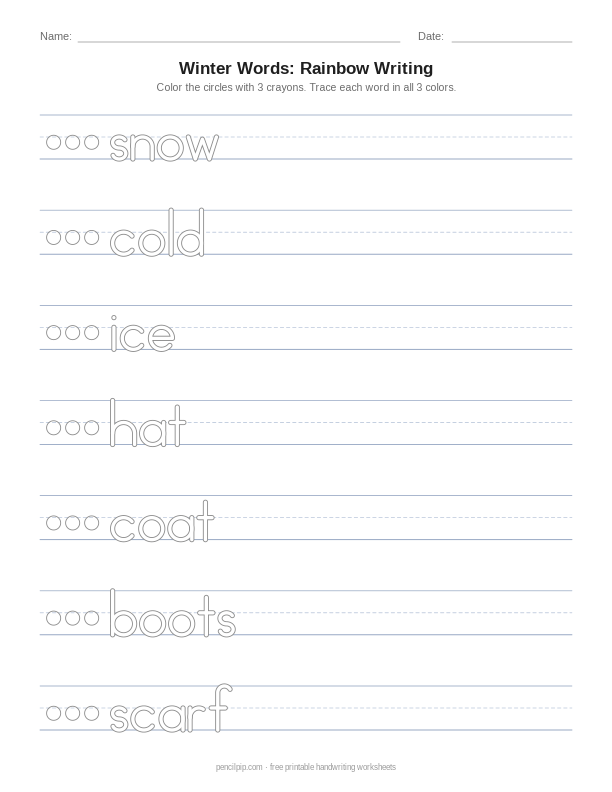
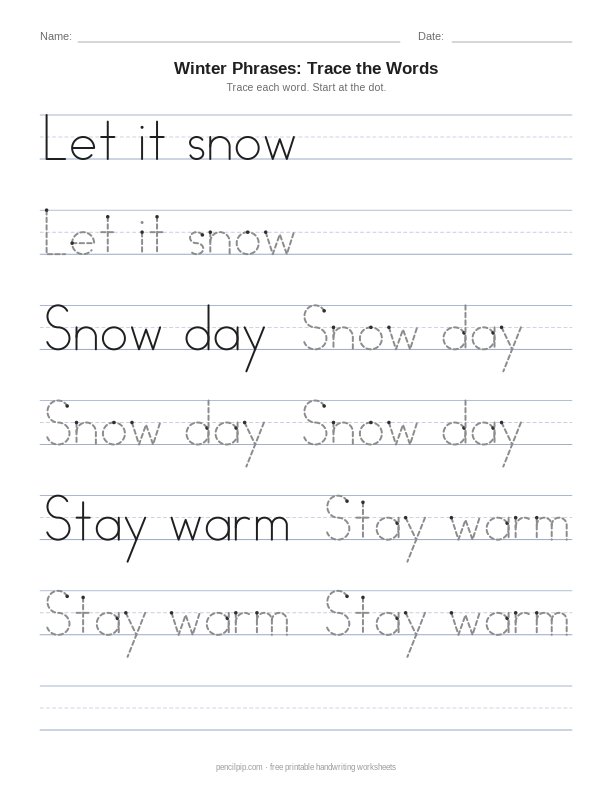
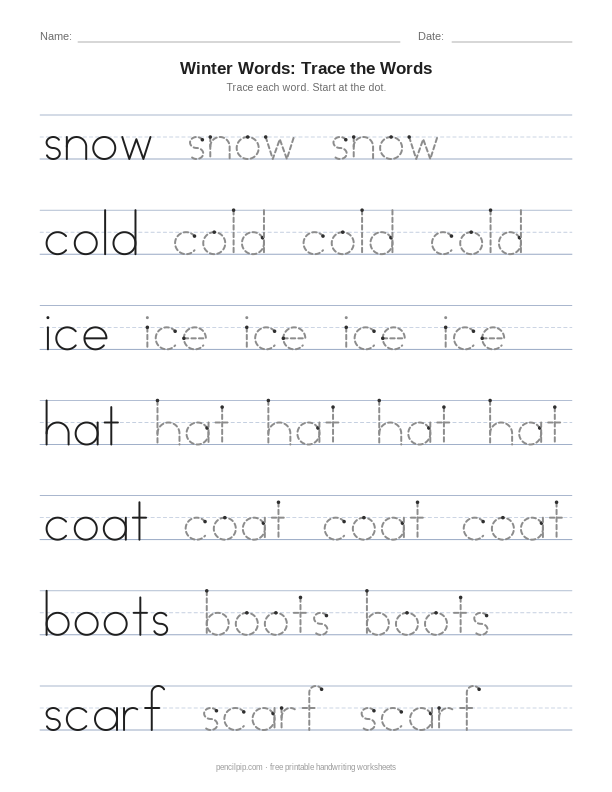
Winter & New Year handwriting
Trace words like snowman, igloo and penguin, write “Happy New Year” and print a complete packet — or one for every child in your class.
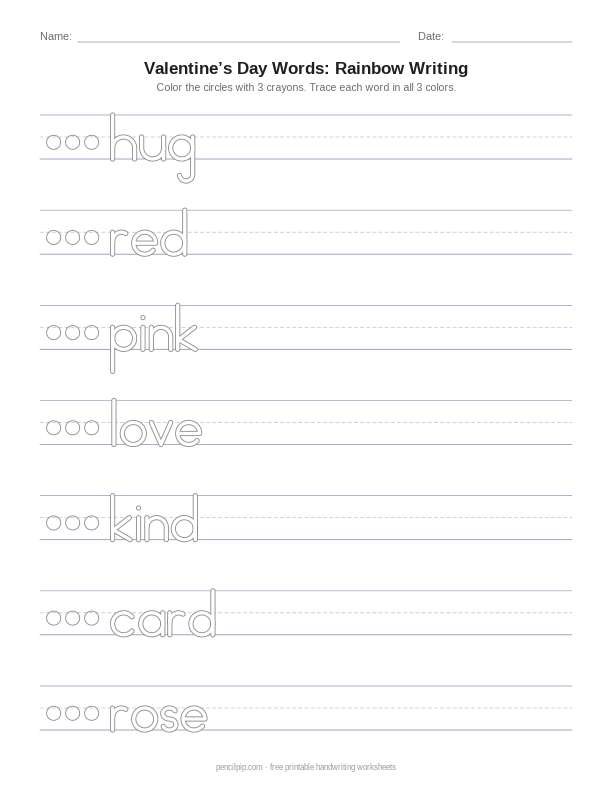
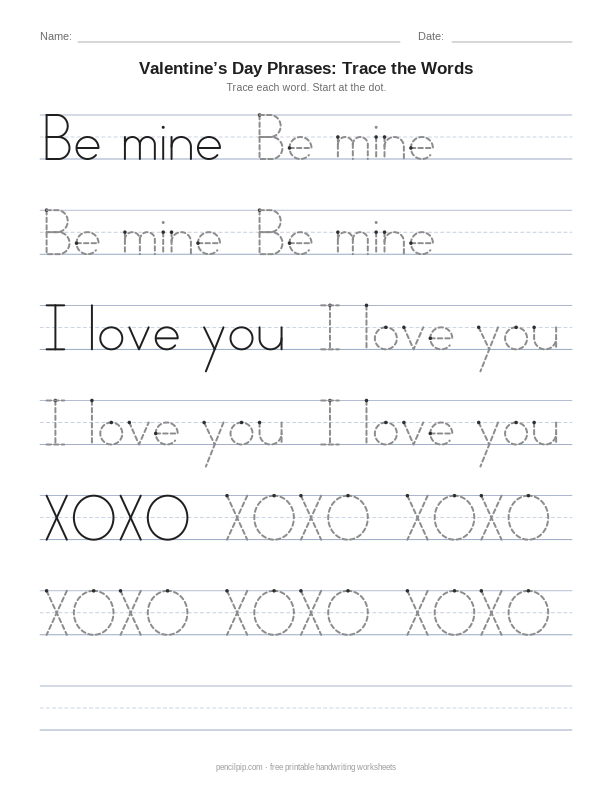
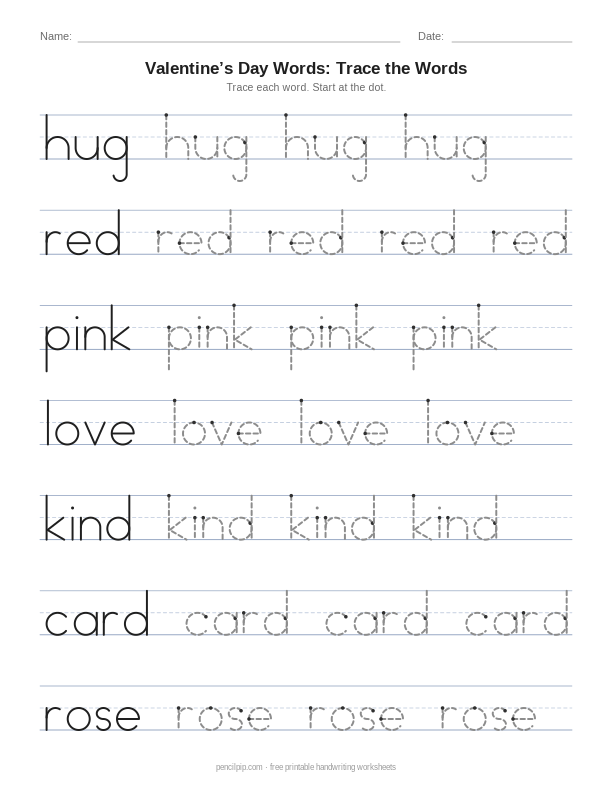
Valentine’s Day · free printables
Valentine’s Day handwriting
Trace words like friend, cupid and valentine, write “Be my valentine” and print a complete packet — or one for every child in your class.
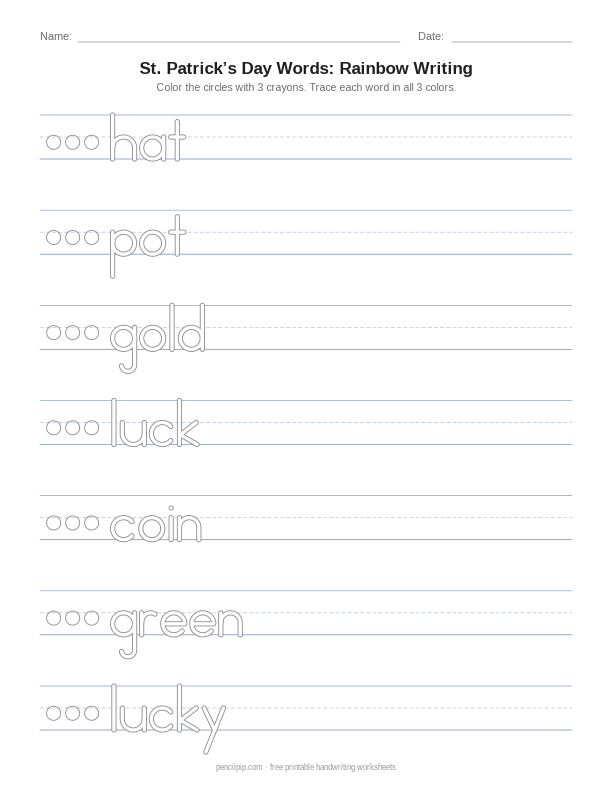
St. Patrick’s Day · free printables
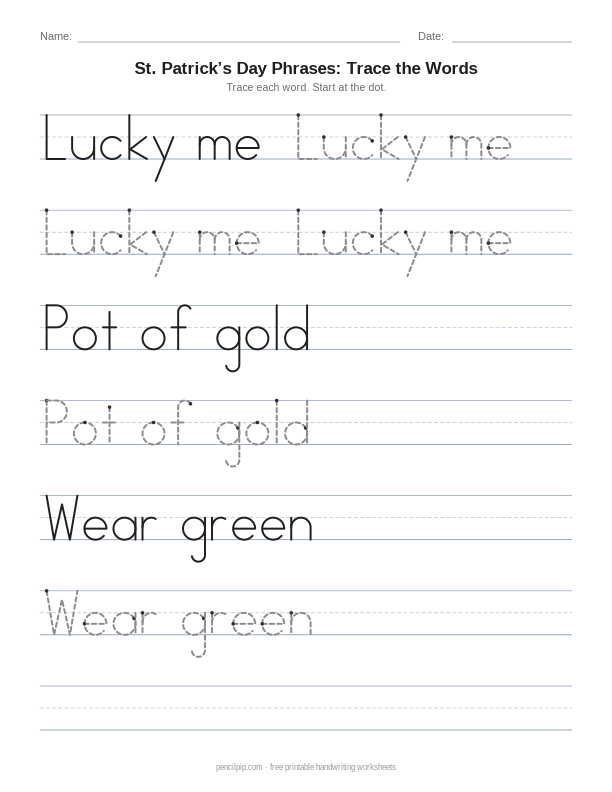
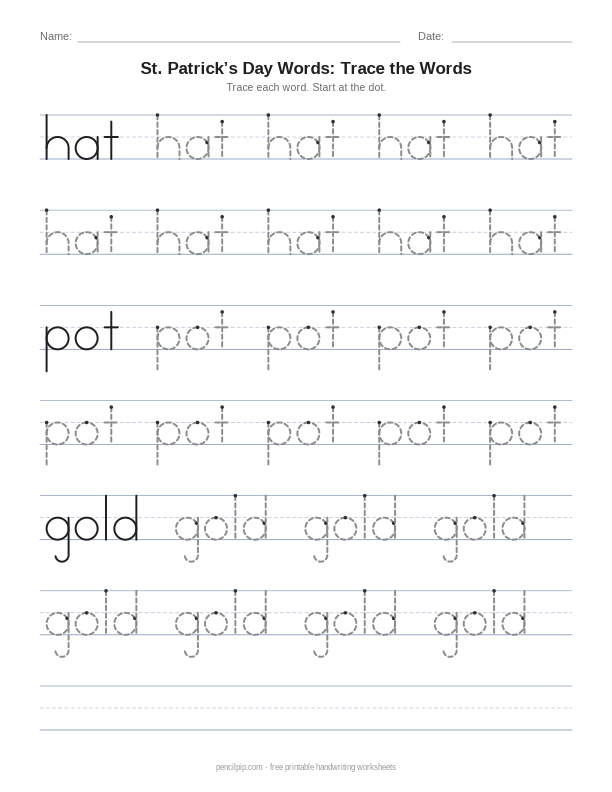
St. Patrick’s Day handwriting
Trace words like rainbow, shamrock and leprechaun, write “Over the rainbow” and print a complete packet — or one for every child in your class.
Easter & Spring · free printables
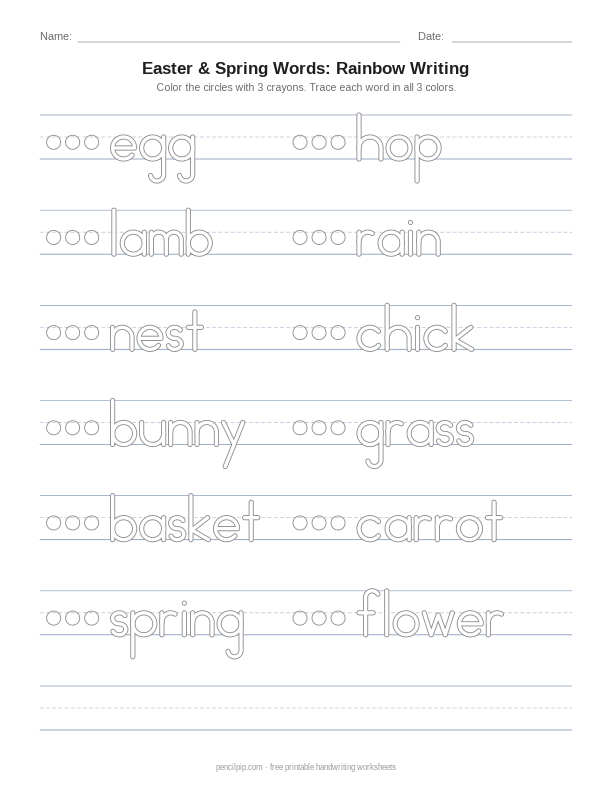
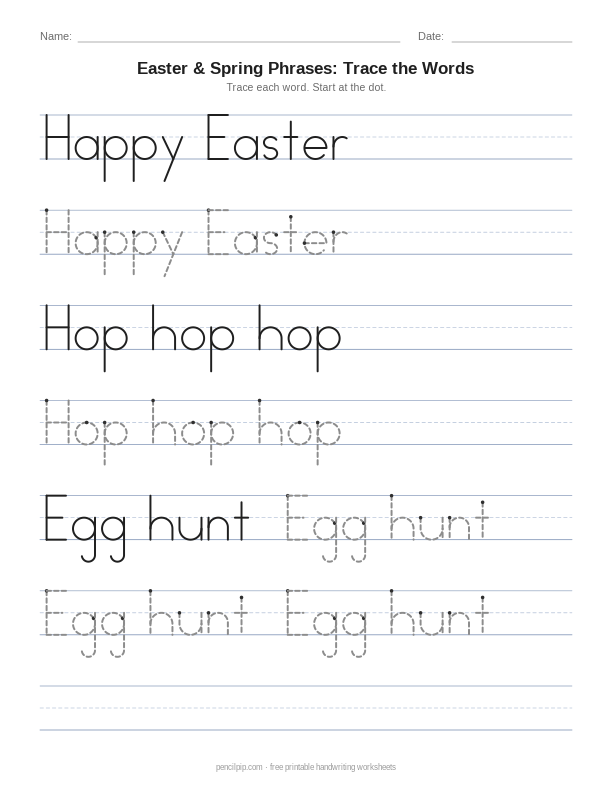
Easter & Spring handwriting
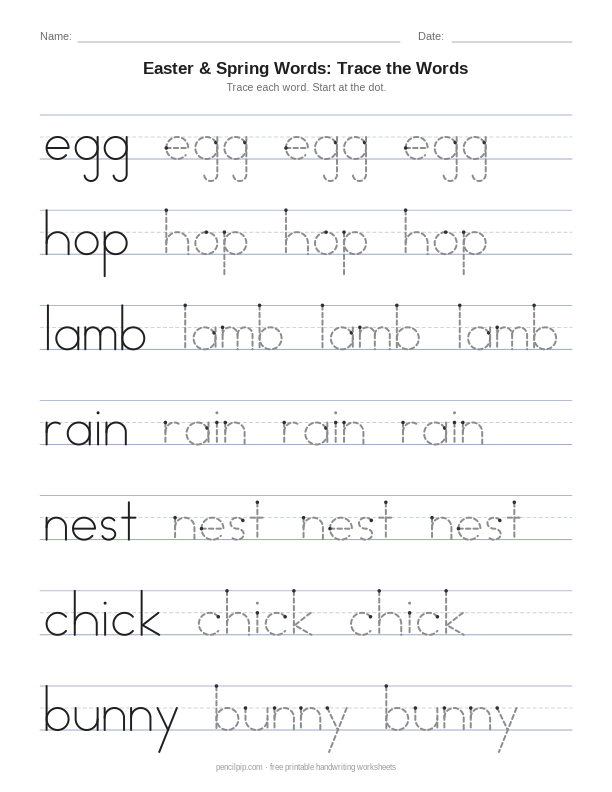
Trace words like carrot, spring and flower, write “Happy Easter” and print a complete packet — or one for every child in your class.
Popular worksheets
All 203 worksheets →2 pagesHalloween Trace the Words4 pagesHalloween Phrases Tracing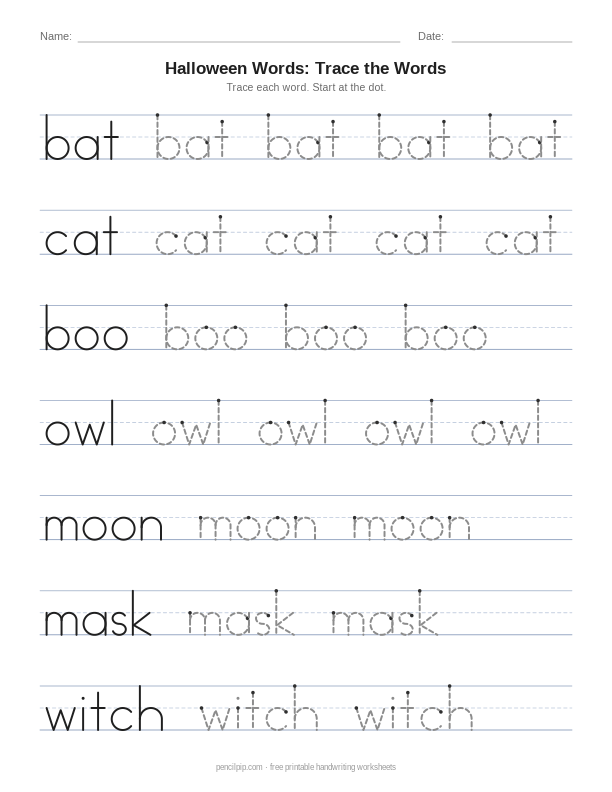 10 pagesHalloween Handwriting Packet2 pagesThanksgiving Trace the Words4 pagesThanksgiving Phrases Tracing
 10 pagesThanksgiving Handwriting Packet2 pagesChristmas Trace the Words4 pagesChristmas Phrases Tracing
 10 pagesChristmas Handwriting Packet
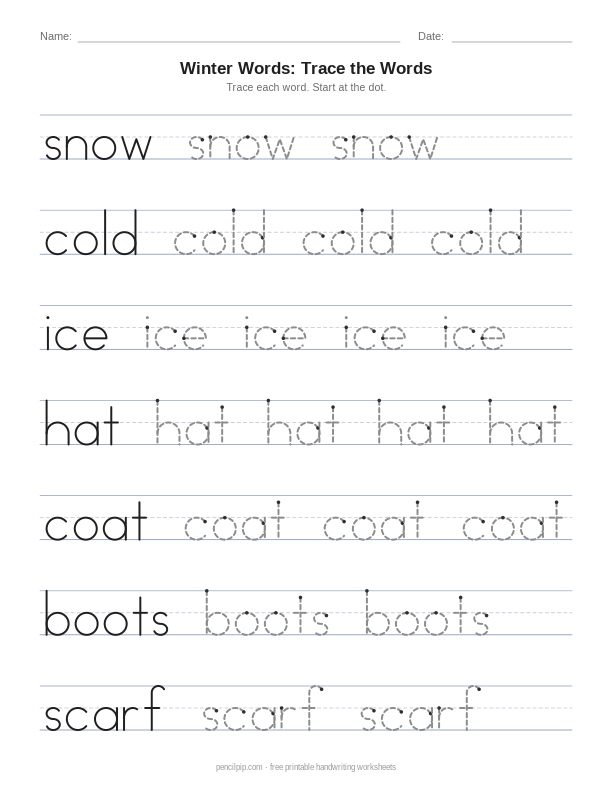 2 pagesValentine’s Day Trace the Words4 pagesValentine’s Day Phrases Tracing
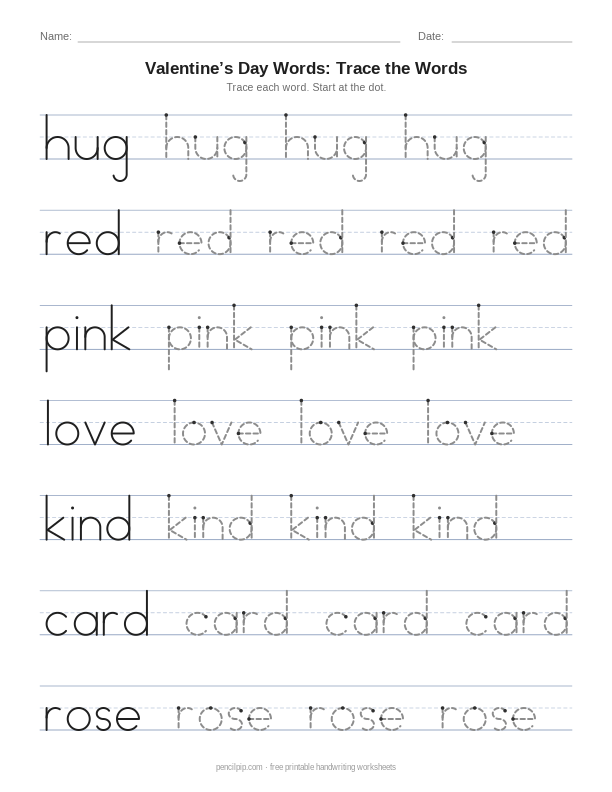 10 pagesValentine’s Day Handwriting Packet4 pagesSt. Patrick’s Day Trace the Words4 pagesSt. Patrick’s Day Phrases Tracing
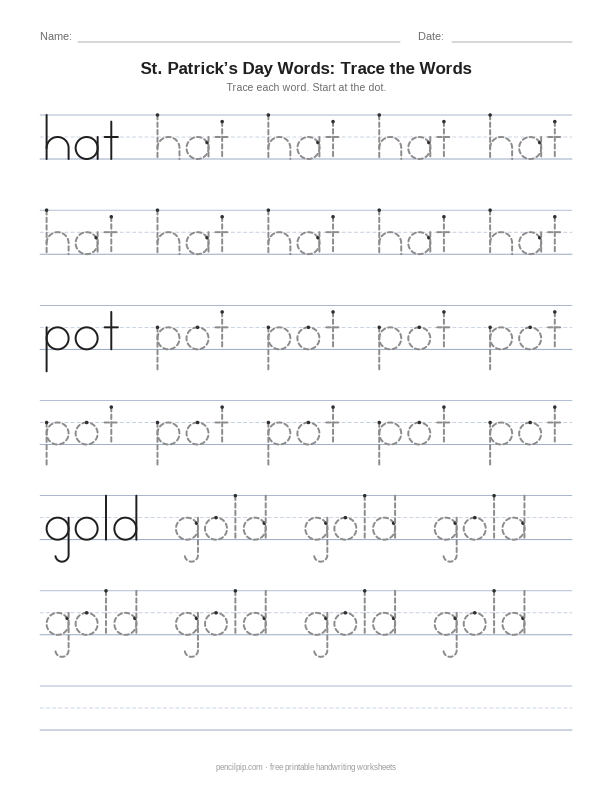 12 pagesSt. Patrick’s Day Handwriting Packet2 pagesEaster & Spring Trace the Words4 pagesEaster & Spring Phrases Tracing
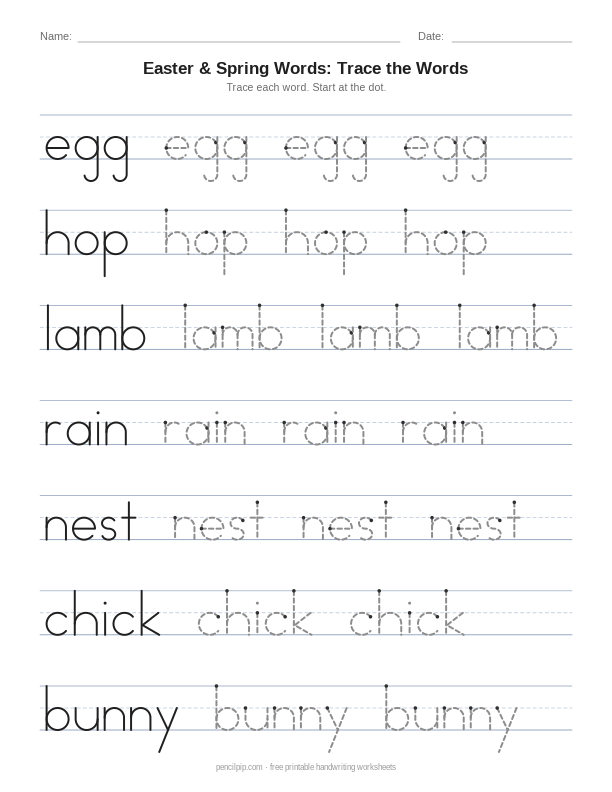 9 pagesEaster & Spring Handwriting Packet
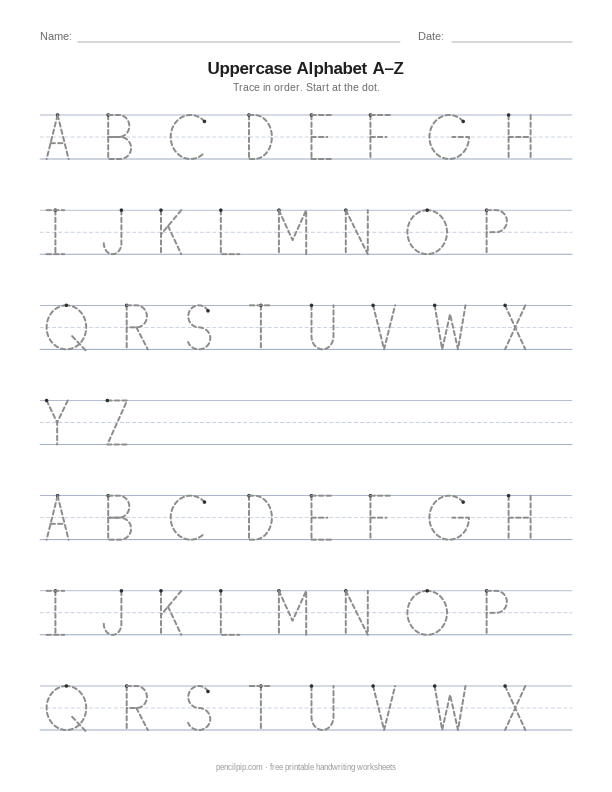 Uppercase Alphabet A–Z Tracing
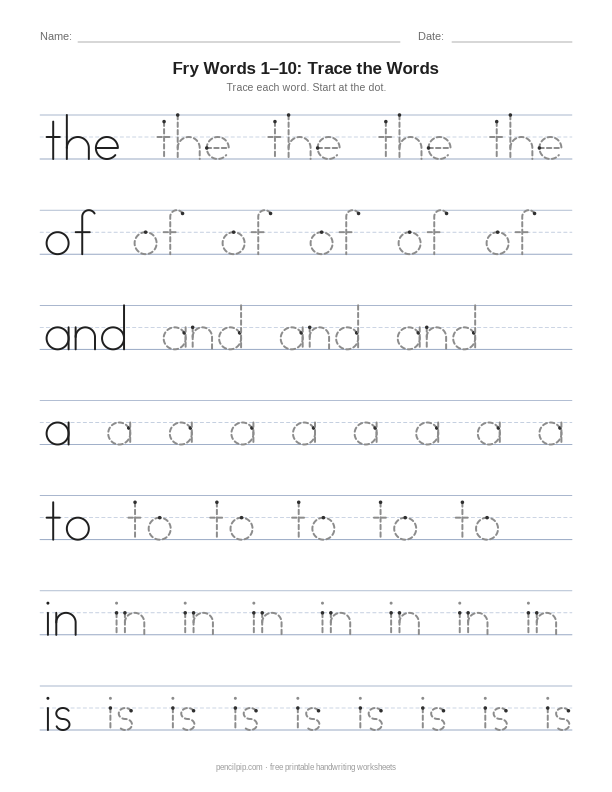 3 pagesFry Sight Words 1–10the, of, and, a, to, in, is, you, that, it
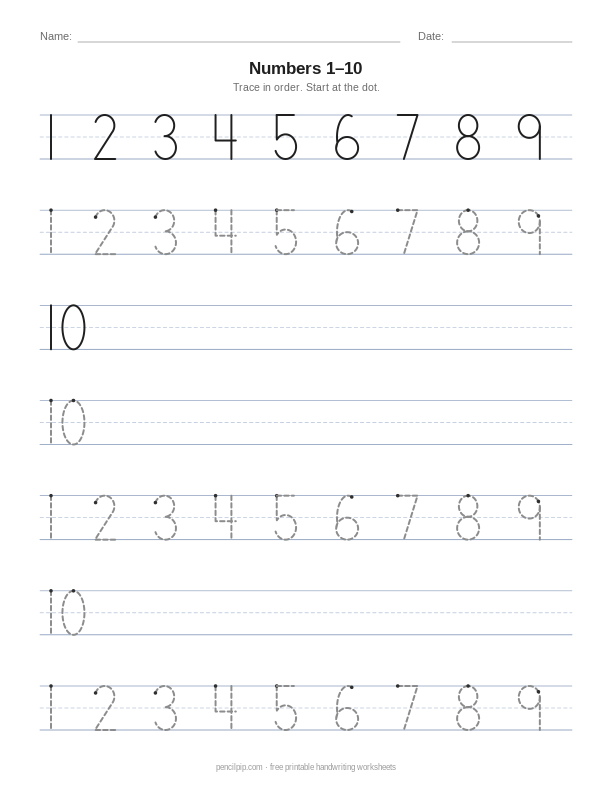 Numbers 1–10 Tracing
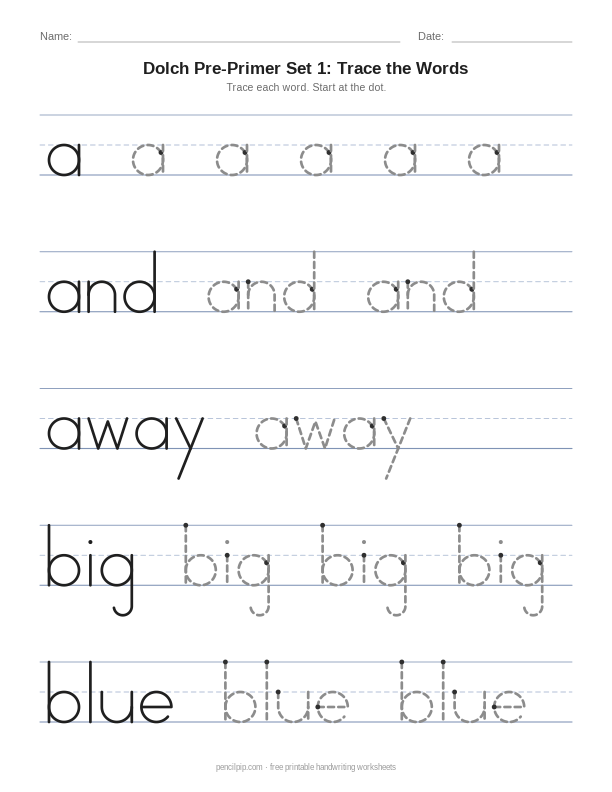 3 pagesDolch Pre-Primer Sight Words Set 1a, and, away, big, blue
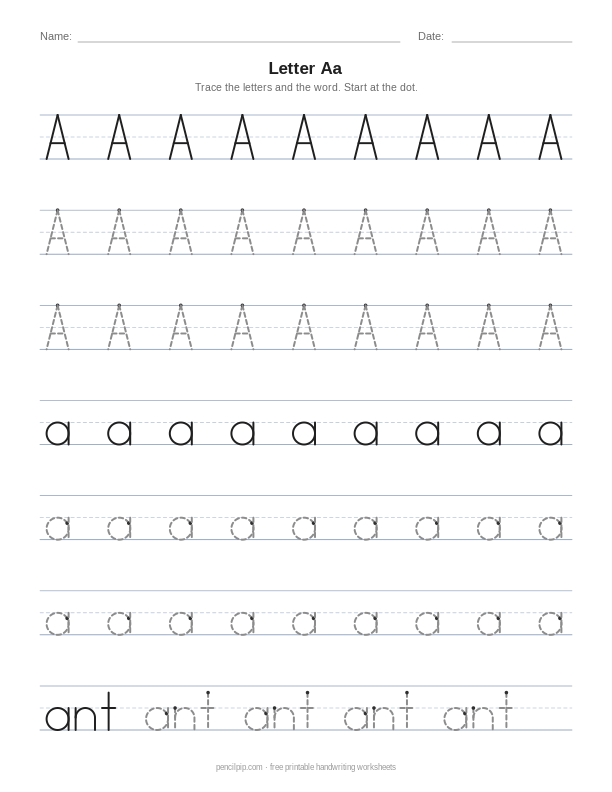 Letter A Tracing
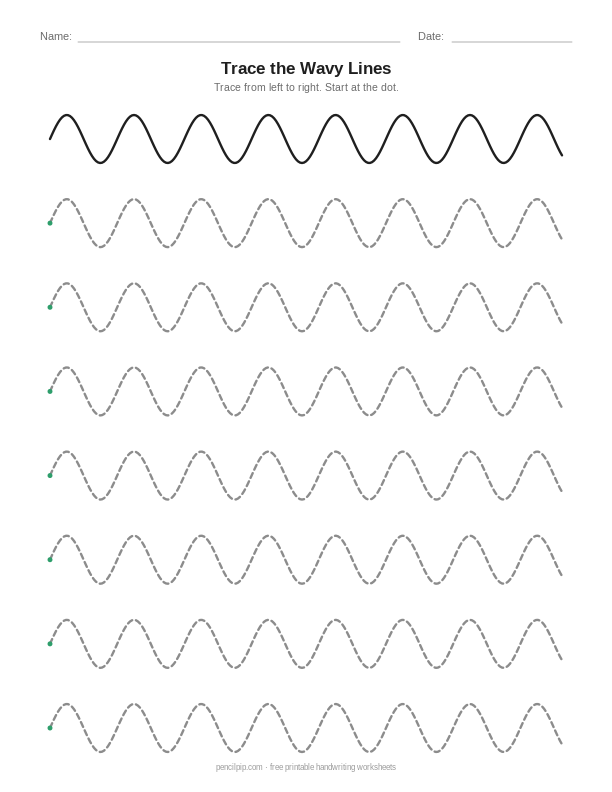 Wavy Lines Tracing
Name tracing with a theme:DinosaurUnicornTruckPrincessOceanChristmas
Built the way handwriting is taught
Real starting dots
Every tracing letter has a dot exactly where the first stroke begins — top line, middle line or the start of a curve — so children practice forming letters the right way, not just copying shapes.
Stroke order, step by step
Turn on stroke order and the page shows each letter built one stroke at a time, like this capital A:
Trace & fade
Each line gets a little harder: light gray letters, then dashed tracing, then tracing without starting dots, then hollow letters. Children move from copying to remembering — on one page.
Common questions
Are PencilPip worksheets really free?
Yes. Every ready-made worksheet and every page you make with the generators is free to download and print, with no account and no sign-up.
What handwriting style do the worksheets use?
A simple ball-and-stick manuscript print, similar to what many US preschools and kindergartens teach, with single-story a and g. Every letter has a starting dot where the first stroke begins.
Can I make worksheets for my whole class?
Yes. Type one name per line in the name tracing generator, or paste a class list in the spelling worksheet maker, and you get one PDF with a page or packet for every student.
Can I add stickers or my own pictures?
Yes. In each generator, tap a corner of the sheet to add a themed line-art sticker (dinosaurs, unicorns, trucks, holidays and more), or tap the edge to change the border. A drawing box, a reward strip and your own pictures are in All settings → Decorate — pictures stay on your device.
What paper sizes are supported?
US Letter and A4. For the sharpest lines, print at 100% (“Actual size”) instead of “Fit to page”.