How to use your name tracing worksheet
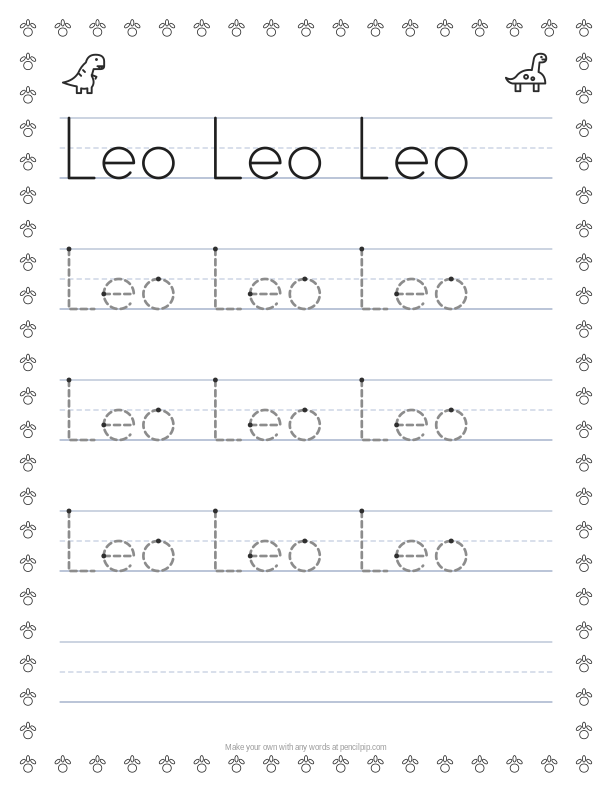
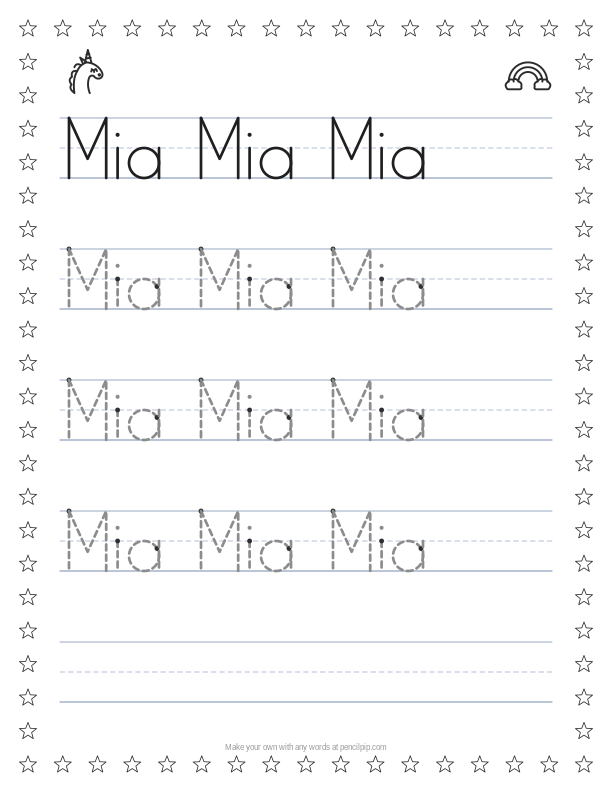
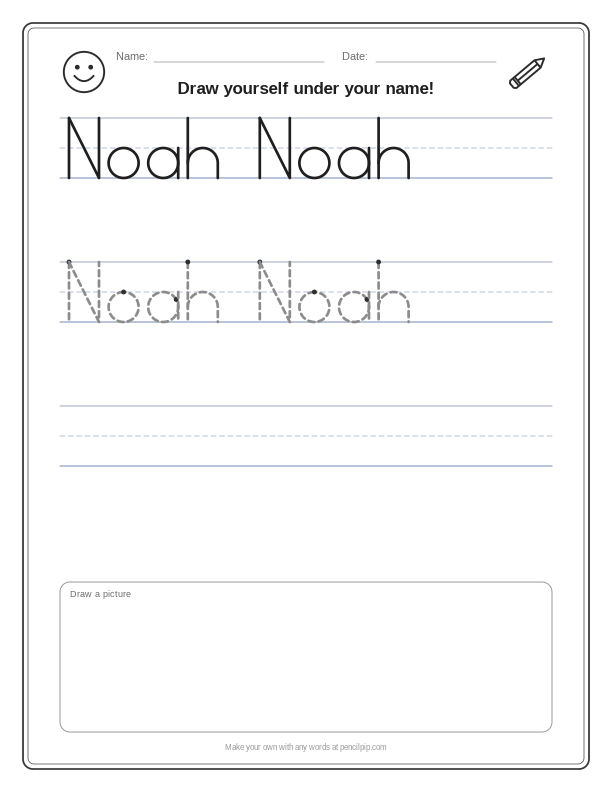
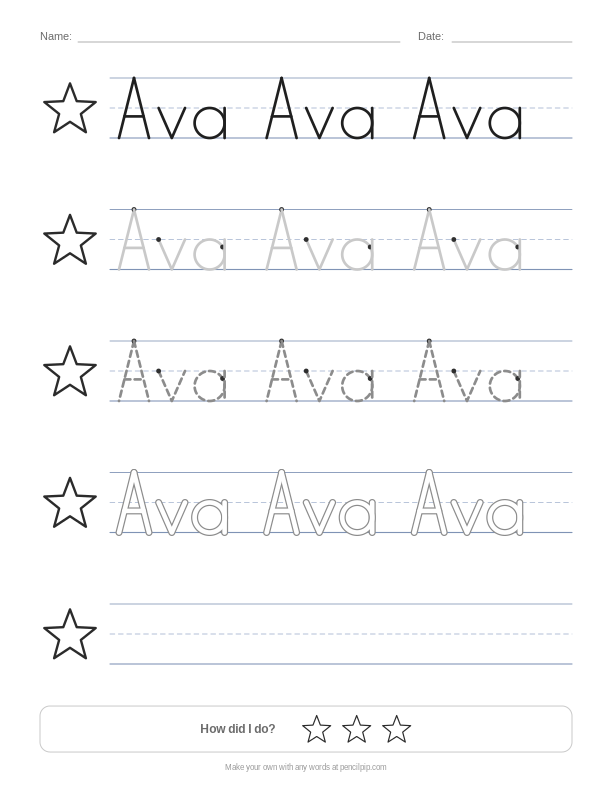
- Look at the example first. Point to each letter on the solid top line and say its name together.
- Trace from the dot. The dot shows where each letter begins. Tracing from the right spot builds the habit of forming letters top-to-bottom, which makes handwriting faster and neater later on.
- Try it alone. When the tracing lines feel easy, use the blank line at the bottom to write the name without help.
Which letter size should I choose?
| Size | Best for | Why |
|---|---|---|
| X-Large | First tries (around age 3) | Extra-big letters with a few lines per page, for children just starting to hold a crayon. |
| Large | Preschool (ages 3–4) | Big letters are easier for little hands still gripping crayons or chunky pencils. |
| Medium | Kindergarten (ages 5–6) | A good middle step once your child can stay near the lines. |
| Small | Grades 1–2 | Closer to the size of regular primary writing paper. |
Tips for teaching a child to write their name
- Capital first, lowercase after. Write the name the way it will appear in school: “Emma”, not “EMMA”.
- Keep sessions short. Five minutes of focused tracing beats twenty minutes of frustration.
- Start at the top. Most letters begin at the top line or the dashed middle line — the starting dots show exactly where.
- Mix it up. Trace with a crayon one day, a marker the next. Slip the page into a sheet protector to reuse it with a dry-erase marker.
- Celebrate effort. Wobbly letters are normal. Praise the try, not just the result.
- Make it theirs. A dinosaur or a unicorn in the corner, or a star to color after every line, can be the reason a reluctant writer sits down to practice. Tap a corner of the sheet to add one.
Frequently asked questions
Is this name tracing generator really free?
Yes. You can make and print as many worksheets as you like. There’s no account and no sign-up.
Can I make worksheets for my whole class?
Yes. Type one name per line (up to 40). You’ll get a single PDF with a separate page for each child.
What handwriting style do the letters use?
A simple “ball-and-stick” print made of straight lines and circles, similar to the manuscript style taught in many US preschools and kindergartens. Letters like a and g use the single-story shapes children learn to write.
Do names with accents work?
Yes — names like Zoë, José, Chloé and Peña are supported, along with hyphens and apostrophes.
Is my child’s name stored anywhere?
No. Worksheets are created right in your browser. The names you type are never uploaded or saved on our servers.
Can I add my child’s photo or a picture they drew?
Yes. In All settings → Decorate, tap the + under “Your pictures” and choose a photo or a scan. You can put it in a corner, at the start of every line, or anywhere on the page, and turn it black and white to save ink.
Do my pictures and names leave my device?
No. Names and pictures never leave your device: the worksheet is made in your browser, nothing is uploaded, and neither is added to the page address. Pictures you add are forgotten when you close the page.
How can I reuse the same worksheet?
Slip the page into a clear sheet protector or laminate it, then trace with a dry-erase marker and wipe it clean. It’s a good way to practice the same name every day for a week without printing again.
Will it print correctly on A4 paper?
Yes. Choose A4 before downloading. For best results, print at 100% scale (“Actual size”) rather than “Fit to page”.