How to make a name tracing book
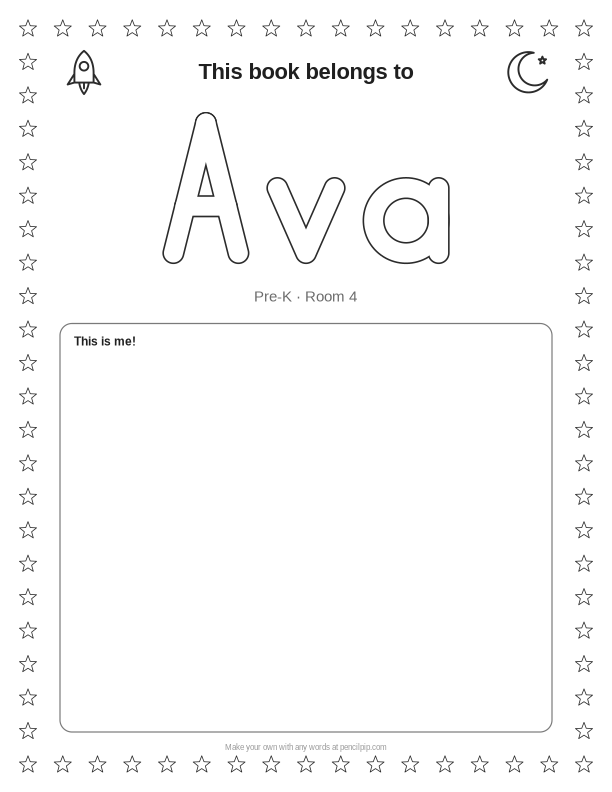
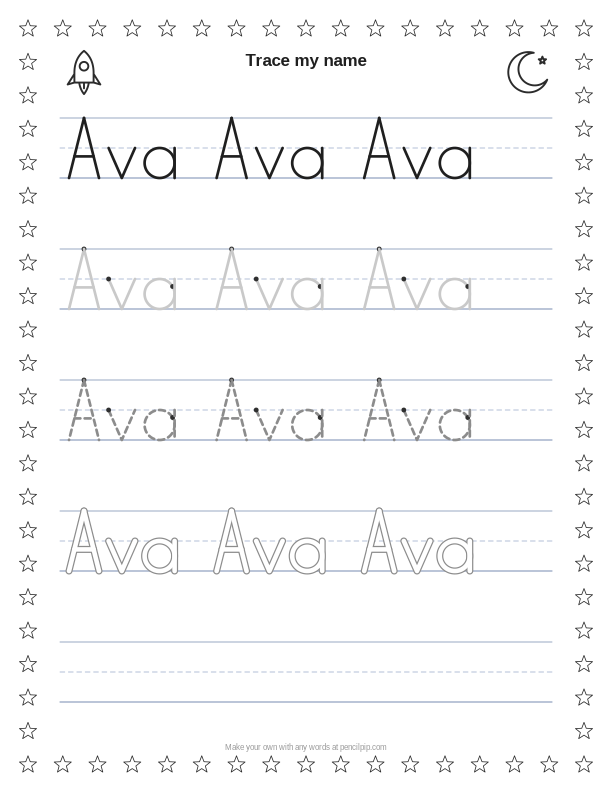
- Type the name. Write it the way your child will see it at school — usually a capital letter followed by lowercase.
- Pick a theme. The stickers and border appear on every page, and the coloring page uses the theme’s pictures.
- Choose the pages. Keep all eight, or untick the ones that are too easy or too hard right now.
- Print and staple. Print at 100% scale, stack the pages with the cover on top and staple along the left edge. A strip of colored tape over the staples makes a sturdy spine.
Using the book with your child
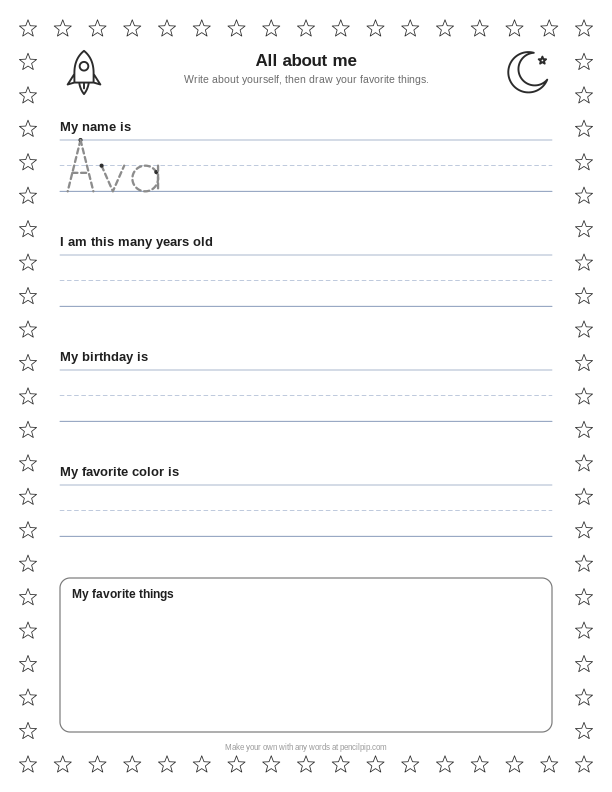
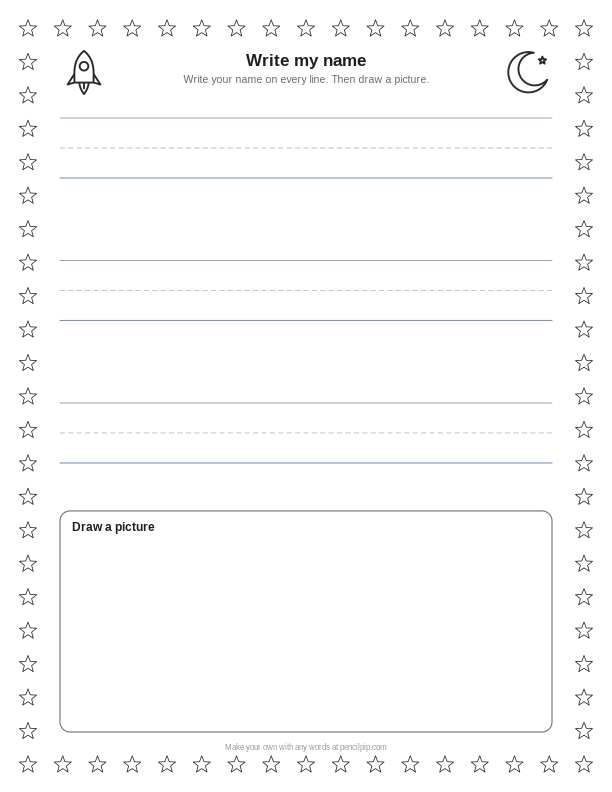
- One page a day. Eight short activities make a good week of name practice. Start with the cover and All about me, and save the free-writing page for last.
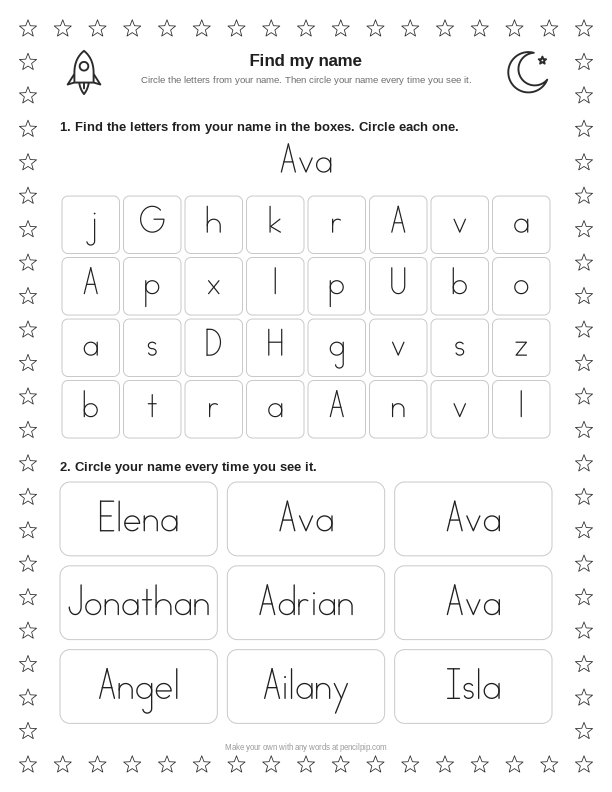
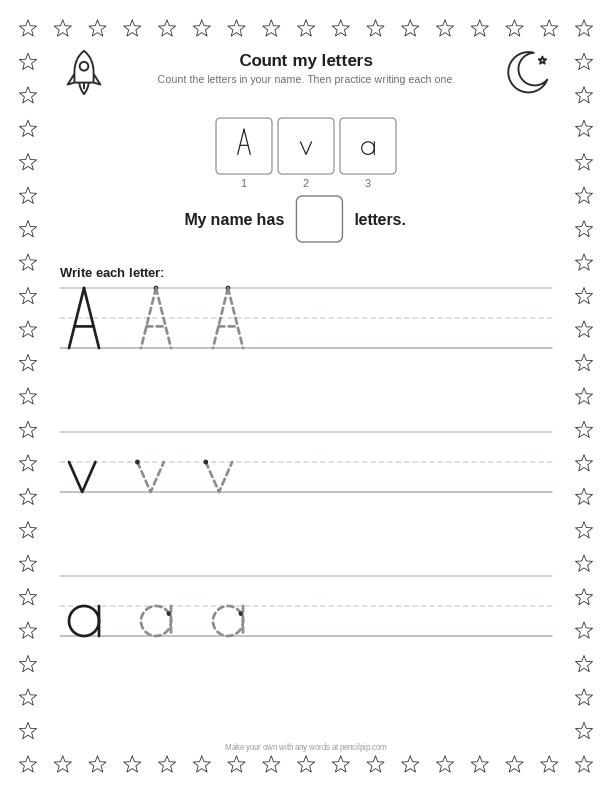
- Say the letters out loud. On the Find my name and Count my letters pages, name each letter as you point to it. Hearing, seeing and writing the letters together helps them stick.
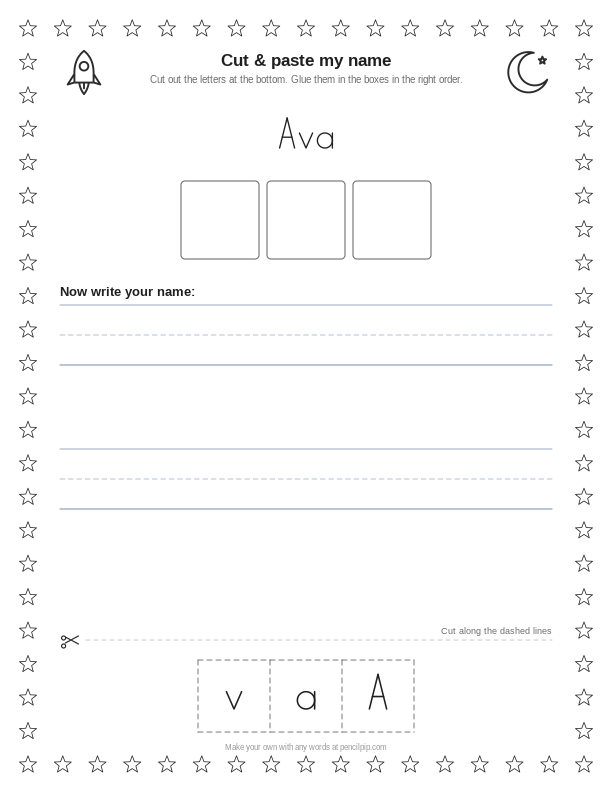
- Cut first, then glue. Little hands do better if all the squares are cut out before anything is glued. Lay them out in order on the table, check against the name at the top, then glue.
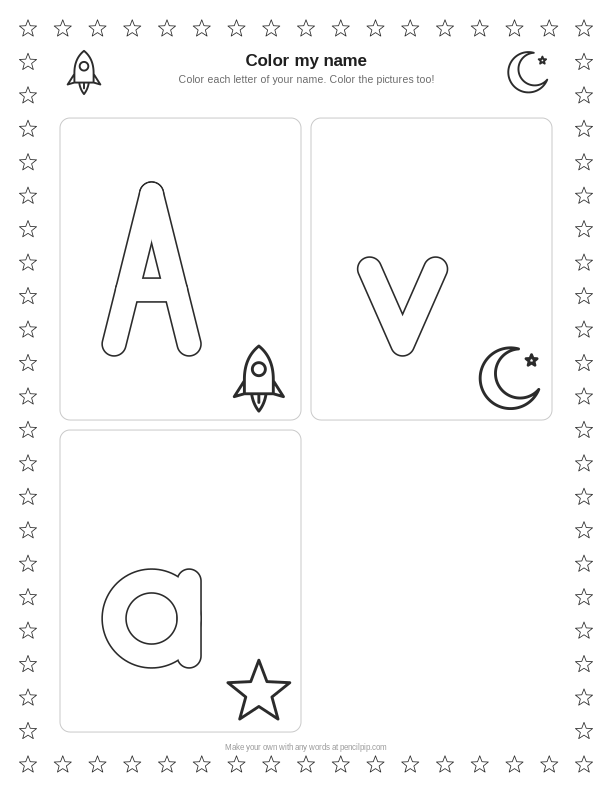
- Let the coloring be messy. The bubble letters are for fun and fine-motor practice, not for staying inside the lines.
- Celebrate the finished book. Read it together, show it off, and keep it — it’s lovely to look back on in a year.
For teachers
At the start of the school year, a name book is a calm, independent activity that also tells you a lot: who can recognize their name, who knows its letters, and who is ready to write it alone. Paste in your class list to print a book for every child at once. Each Find my name page mixes in classmates’ names, which helps children learn each other’s names too. Want single pages instead? The name tracing worksheet generator makes one tracing page per child, and thespelling worksheet maker turns a list of names or words into tracing and rainbow-writing pages. For just the coloring page, use the name coloring page maker.
Frequently asked questions
Is the name tracing book really free?
Yes. Type a name, choose a theme and download the whole book as one PDF. There is no account, no email and no watermark.
How many pages are in the book?
Up to eight: a cover, All about me, name tracing, find my name, cut & paste, coloring letters, counting letters and a free-writing page. Untick any page you don’t want in All settings → Content.
Can I make a book for every child in my class?
Yes. Put one name per line (up to 40) and every child gets their own book in a single PDF. On the Find my name page, each child looks for their own name among their classmates’ names.
What age is it for?
Most children enjoy it between ages 3 and 6 — preschool, pre-K and kindergarten. Use the Large letter size for younger children and Medium or Small once they can stay near the lines.
Are my child’s name, age and birthday stored anywhere?
No. The book is made in your browser and nothing is uploaded. The age and birthday are never added to the page address, and names you type aren’t either.
Will the cut & paste squares line up?
Yes, as long as you print at 100% (“Actual size”). Each glue box is a little bigger than its letter square, so a slightly wobbly cut still fits.
Does it print on A4 paper?
Yes. Choose A4 in All settings → Page before downloading; every page is laid out again for the taller, narrower sheet.